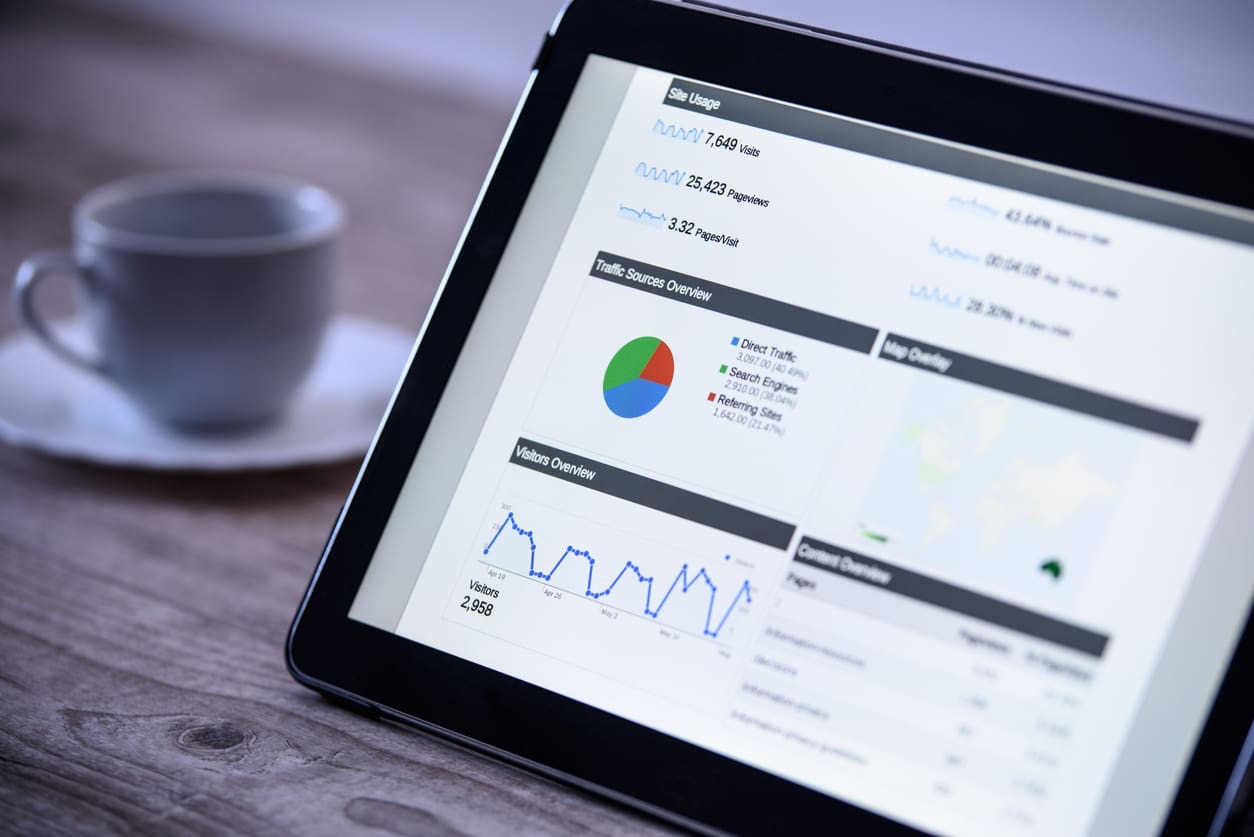
Google Analytics 4 (GA4) is the current version of Google Analytics, the free tool most websites use to measure visitors and what they do. It replaced Universal Analytics, which stopped processing data in July 2023, so if your website has analytics at all, it is now GA4 or nothing.
This guide explains what GA4 is, how it differs from the old version, the reports worth checking as a small business owner, and the setup mistakes that leave many NZ businesses with numbers they cannot trust.
What Is Google Analytics 4?
GA4 measures how people find and use your website: where they came from, which pages they read, and what they did, such as filling in a form, tapping your phone number or buying something. It can also measure apps alongside a website in one property.
It is free, it works with Google Ads and Search Console, and for most small businesses it is the main source of truth for website traffic.
How GA4 Differs From Universal Analytics
Everything is an event
Universal Analytics was built around sessions and page views. GA4 records everything as an event: a page view, a scroll, a click on an outbound link, a file download, a form submission. That makes it far more flexible, but it also means the useful events, such as enquiries, have to be set up deliberately.
Key events replace goals
The actions that matter to your business, such as a quote request or a purchase, are marked as key events (Google previously called these conversions). If nothing is marked, GA4 can tell you how many people visited but not how many became leads.
It follows people across devices and platforms
GA4 is designed to measure a customer journey across a website and an app, and across devices where it can, rather than treating each visit in isolation.
Built for privacy rules
GA4 does not store IP addresses and supports Google's consent mode, which adjusts measurement based on whether a visitor has accepted cookies. That matters for businesses with overseas customers, and it is good practice under New Zealand's Privacy Act 2020 too.
Predictive and AI features
With enough data, GA4 can estimate things like purchase probability and highlight unusual changes in your traffic automatically.
The GA4 Reports Worth Checking
GA4 has a lot of reports. For a small business, five answer most questions:
- Traffic acquisition. Where visitors come from: organic search, paid search, social, referral, direct.
- Pages and screens. Which pages people actually read.
- Landing pages. Which pages people arrive on first, and how well each one turns visits into enquiries.
- Key events. How many leads or sales you got, and from which channel.
- Search Console report (once linked). Which Google searches bring people to your site.
Check them monthly, compare against the same month last year where seasonality matters, and focus on enquiries rather than raw visitor numbers.
Common GA4 Setup Mistakes
- No key events. Traffic is measured but leads are not, so you cannot tell which marketing works.
- Phone taps not tracked. For many local businesses, calls are the main lead source, and they are invisible without a tap-to-call event.
- Form tracking that counts page loads, not submissions. Inflated numbers that look good and mean nothing.
- Internal traffic not filtered. Your own team's visits mixed in with customers.
- Not linked to Google Ads or Search Console. Each tool tells half the story on its own.
- Default data retention. Event-level data used in Explorations is kept for two months unless you extend it to fourteen in the settings.
GA4 for Small Businesses: Keep It Simple
You do not need to master GA4 to get value from it. You need three things set up properly: every enquiry action tracked as a key event, Google Ads and Search Console linked, and a monthly look at which channels and pages produce leads.
If you would rather not log into GA4 at all, a reporting dashboard can pull the numbers that matter into one view. Our marketing reporting dashboards show leads, calls, enquiries by channel and keyword rankings in one place, alongside website performance and ad spend, and come included with every package.
Get Your Analytics Set Up Properly
If you are not sure whether your GA4 is measuring the right things, or you want the numbers without the learning curve, get in touch. We will check what your current setup is tracking and tell you plainly what is missing.
Frequently Asked Questions
Is Google Analytics 4 free?
Yes. GA4 is free for almost all businesses. Google offers a paid version, Analytics 360, for very large organisations with high data volumes.
Can I still use Universal Analytics?
No. Universal Analytics stopped processing new data in July 2023, and GA4 is now the only version of Google Analytics that collects data.
What is the difference between GA4 and Google Search Console?
GA4 measures what visitors do once they reach your site. Search Console shows how your site appears in Google search: which searches you show up for, your position, and how often people click. Linking the two gives you the full picture.
Why do GA4 numbers differ from Google Ads?
The two tools count differently. Google Ads counts clicks on ads; GA4 counts sessions and events on your site, and some visitors block tracking or decline cookies. Small differences are normal. Large ones usually point to a setup problem.
How do I track enquiries in GA4?
Create events for the actions that matter, such as a form submission, a tap on your phone number or a booking, then mark them as key events. Google Tag Manager makes this easier to set up and maintain.